Offensive Weather Station Manual
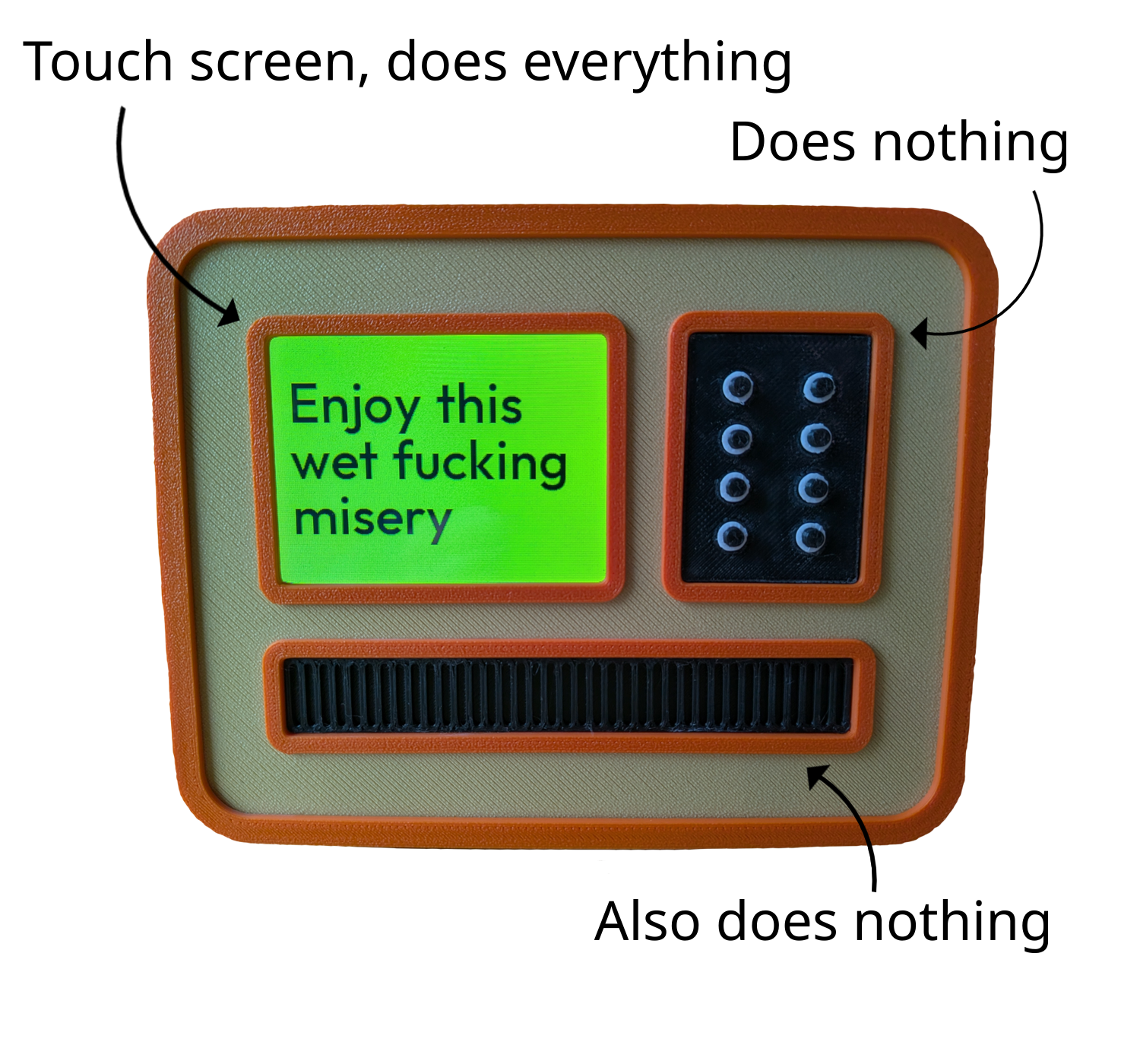
Here's a diagram of user interface functionality.
Weather station needs WiFi to get forecasts, so the first time you
start it, you'll be asked to configure it.
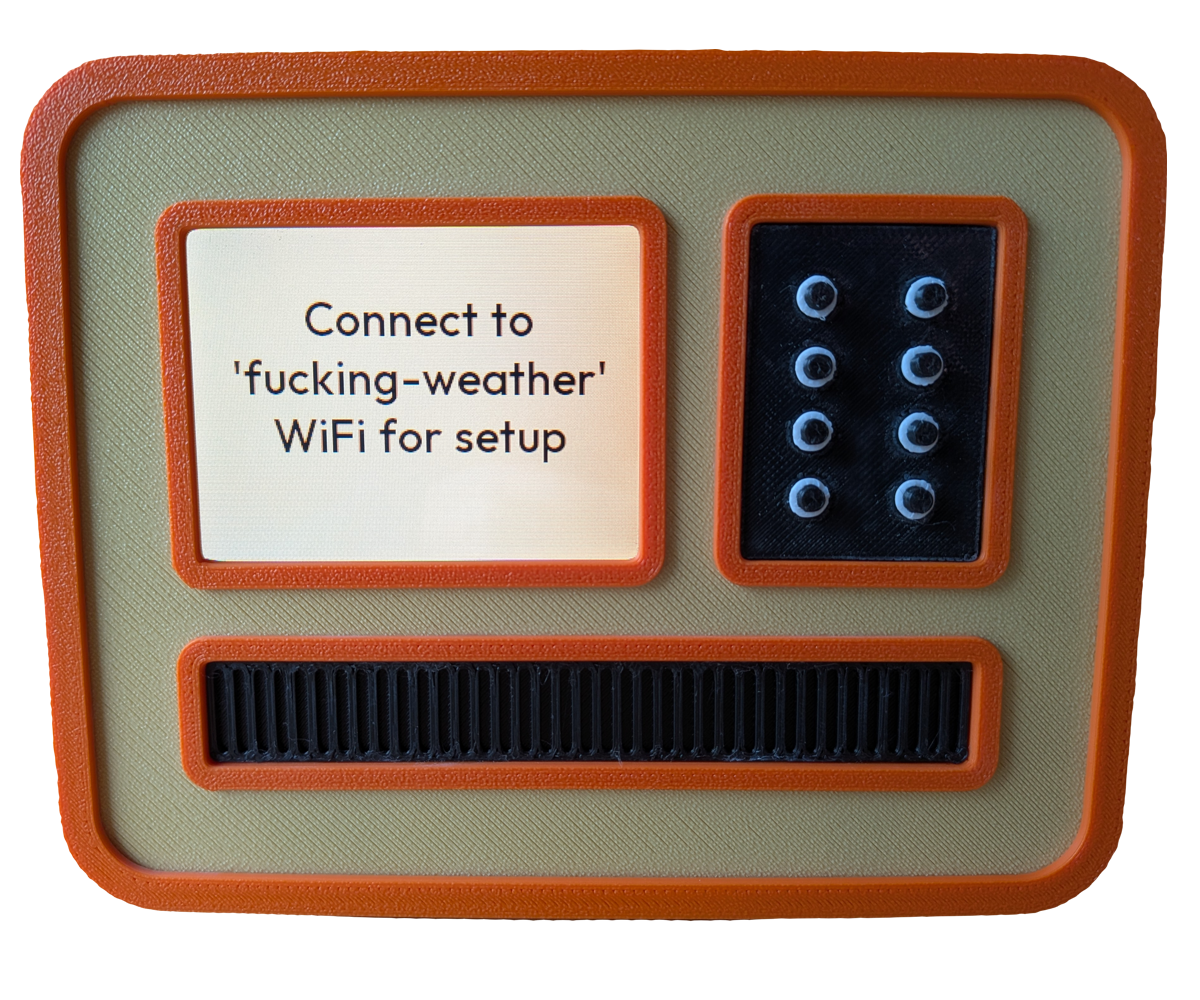
Open WiFi connections on your phone or laptop and look for one named
"fucking-weather" - this is weather station's hotspot.
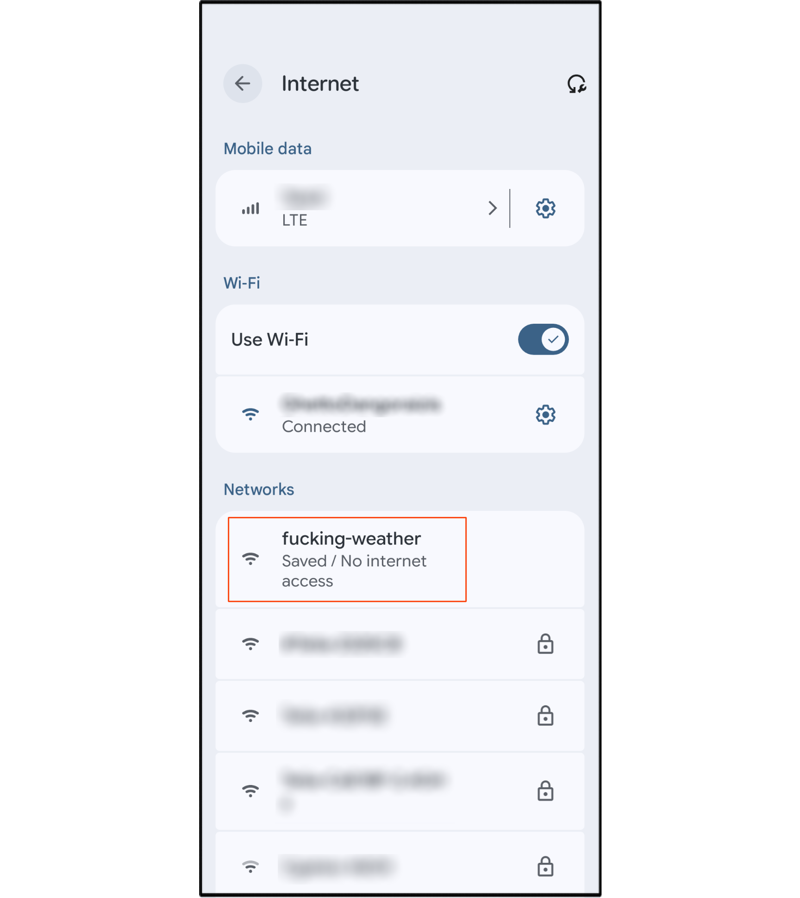
Connect to it and you'll be greeted with this screen.
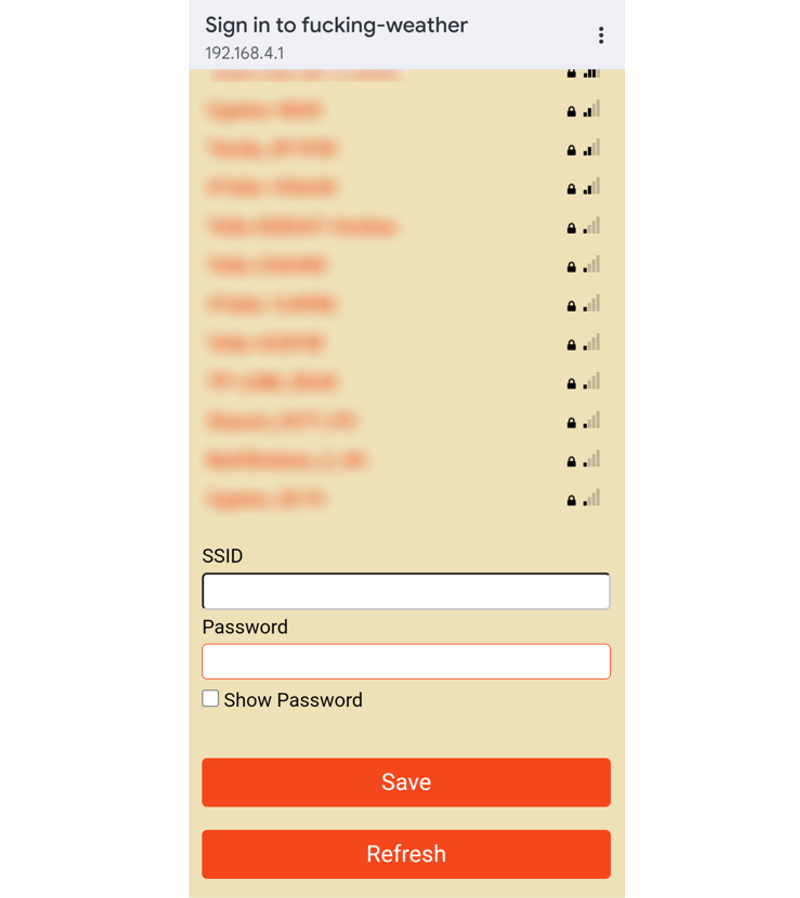
Select your WiFi network, enter password and hit "Save". Now you'll
need to set your location, to get relevant forecasts. Until you do
that, you'll see this screen.
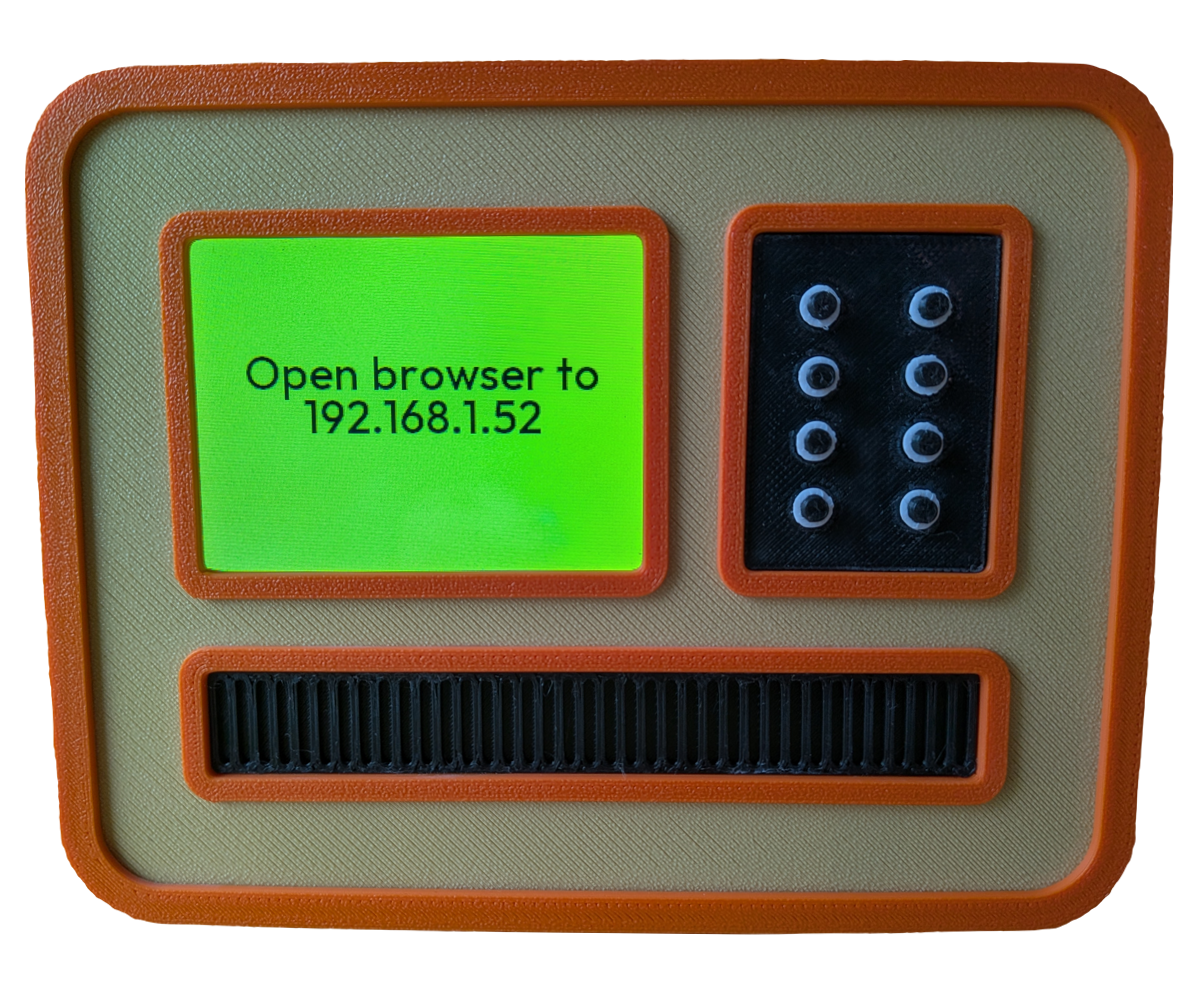
Open web browser on your phone or laptop (it has to be on the same WiFi
network as the weather station) to the address show on the screen.
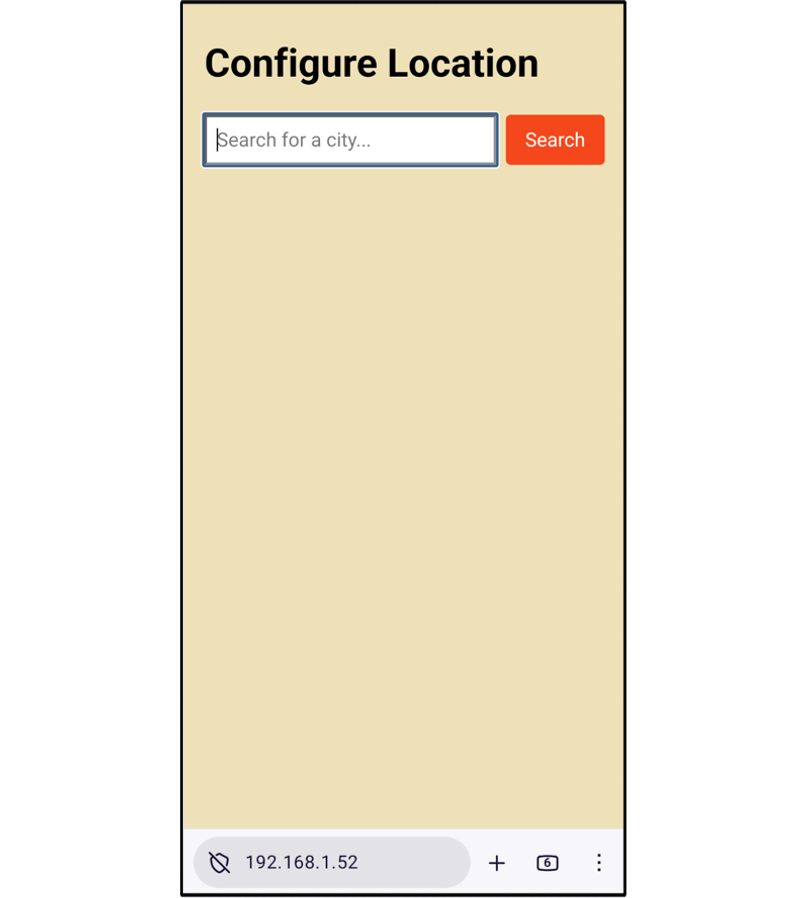
Enter your location and hit "Search" then select from the list.
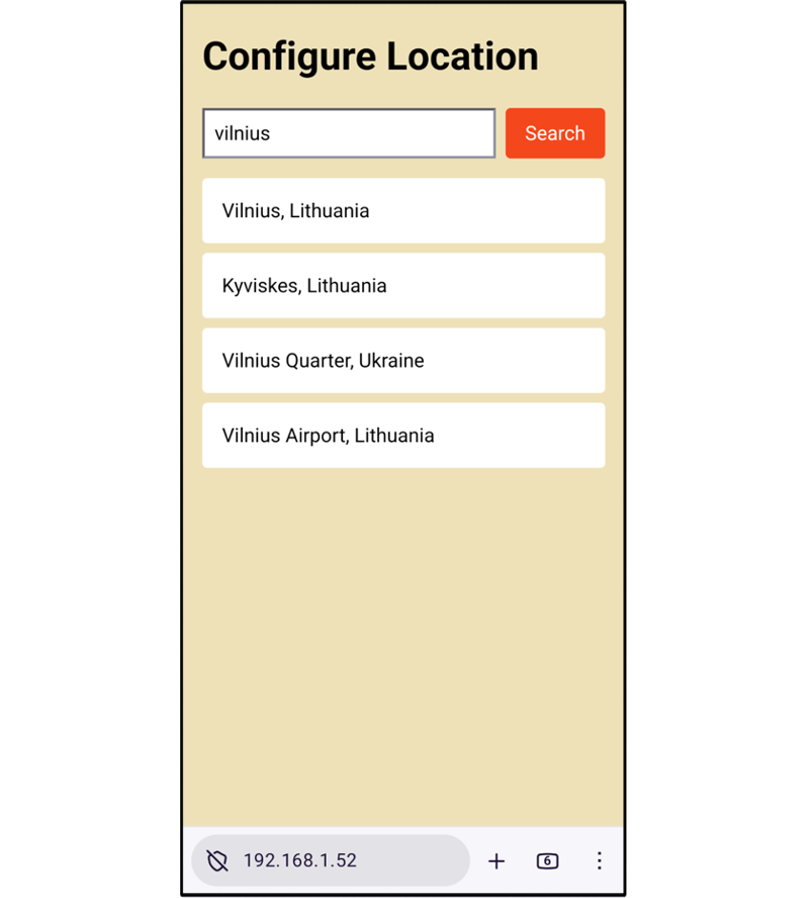
Now you'll see forecast on weather station's screen.
Touch screen is split horizontally in two.
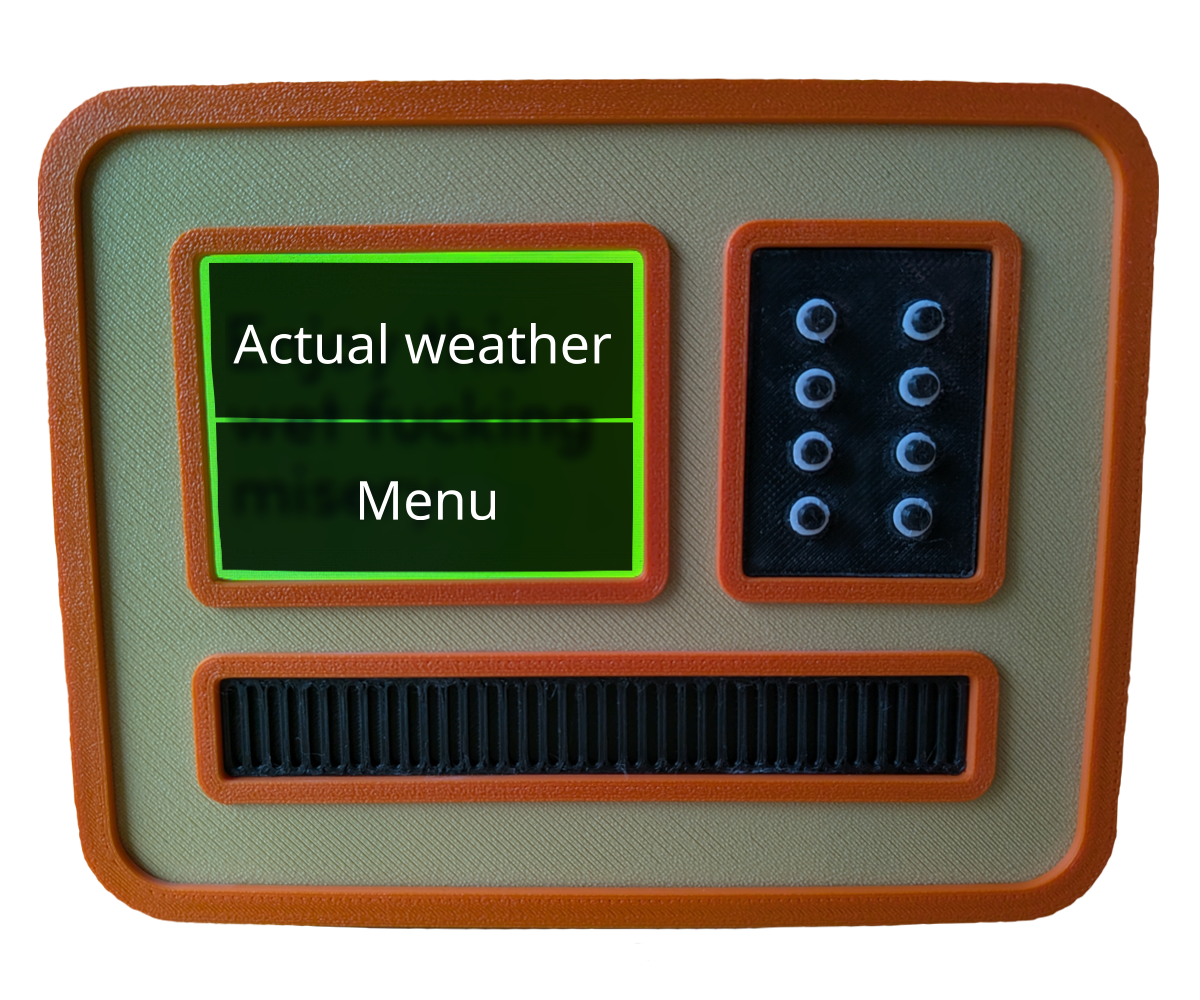
Pressing top part will show the actual weather, with temperature and
chance of rain.
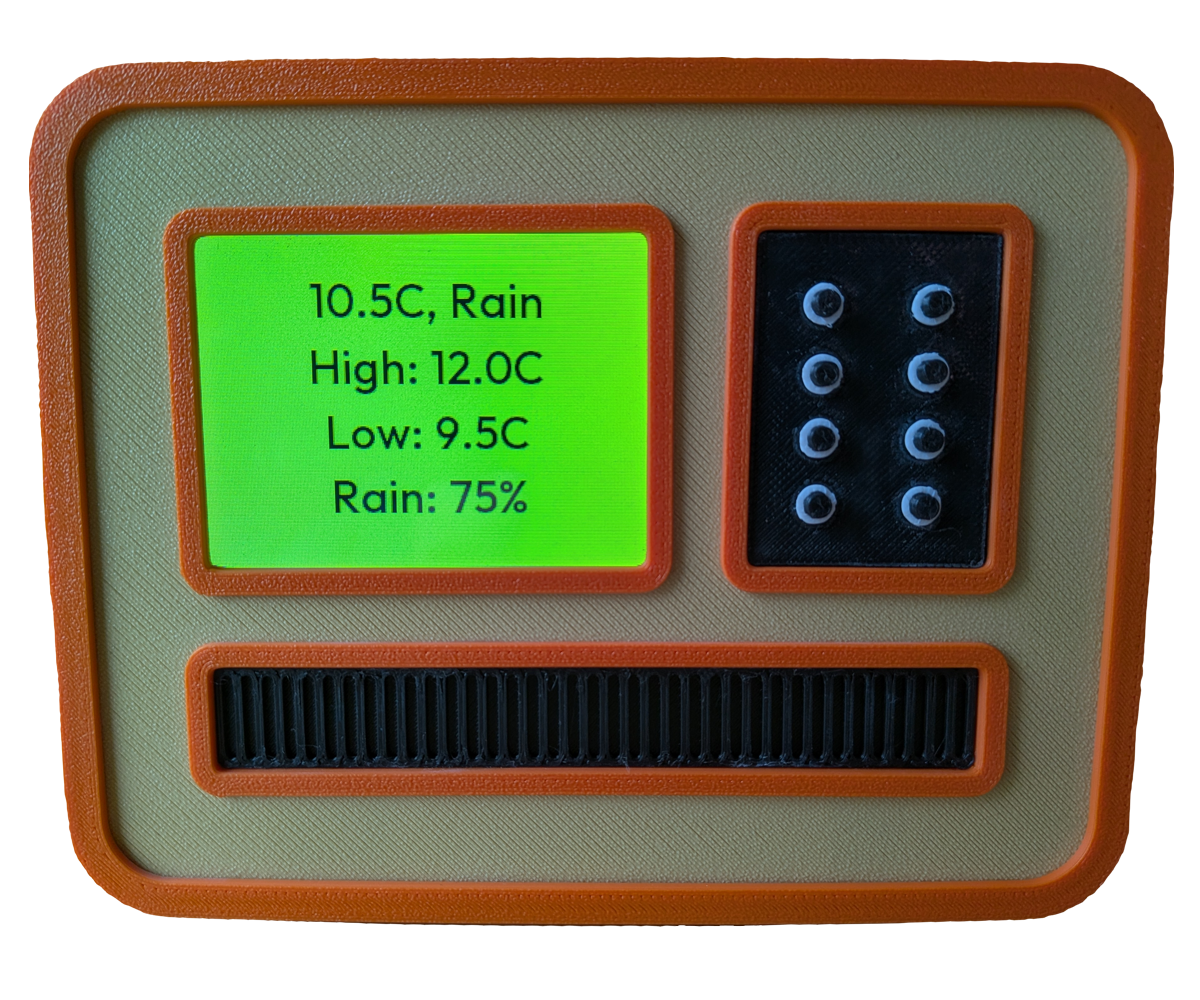
Pressing bottom part brings up menu where you can refresh weather
manually (it refreshes automatically at 7AM and 7PM).
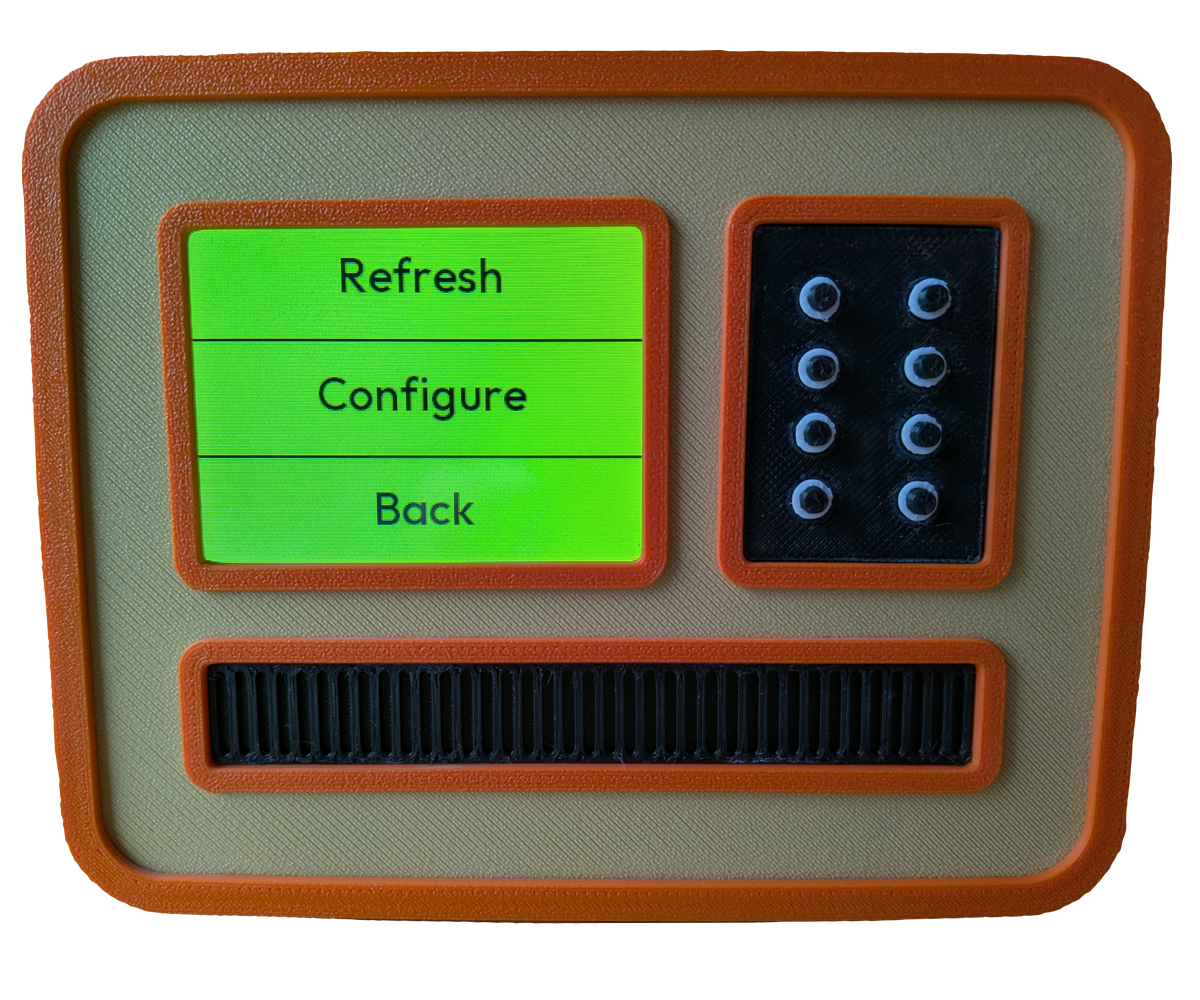
There you can also access configuration menu to change WiFi connection,
location, night time setting and refresh times.
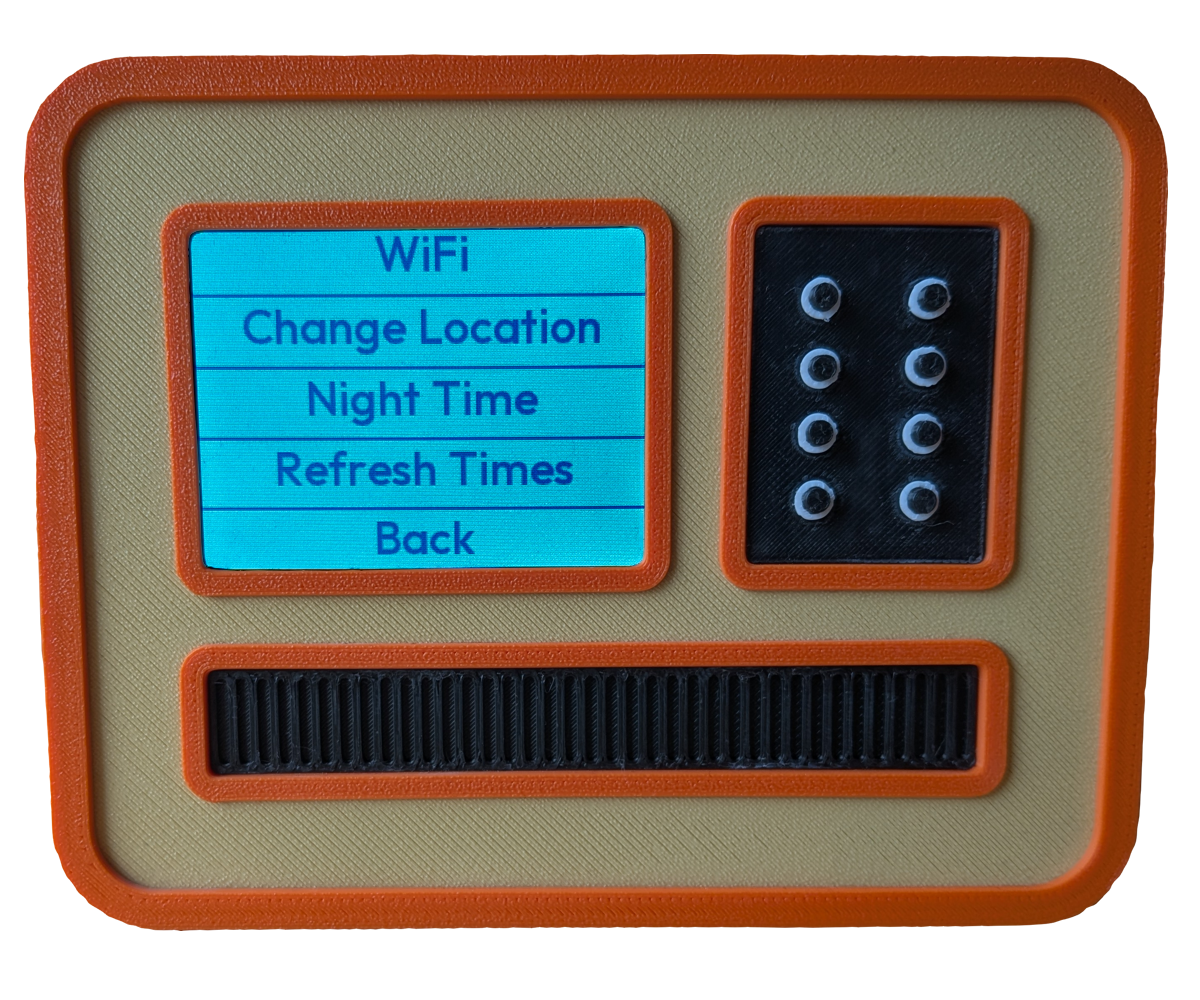
Night time setting allows you to configure when weather station's
screen is dimmed and how much, if you'd like to not be blinded by it at
night for example. Again open your browser to the address shown on
screen.
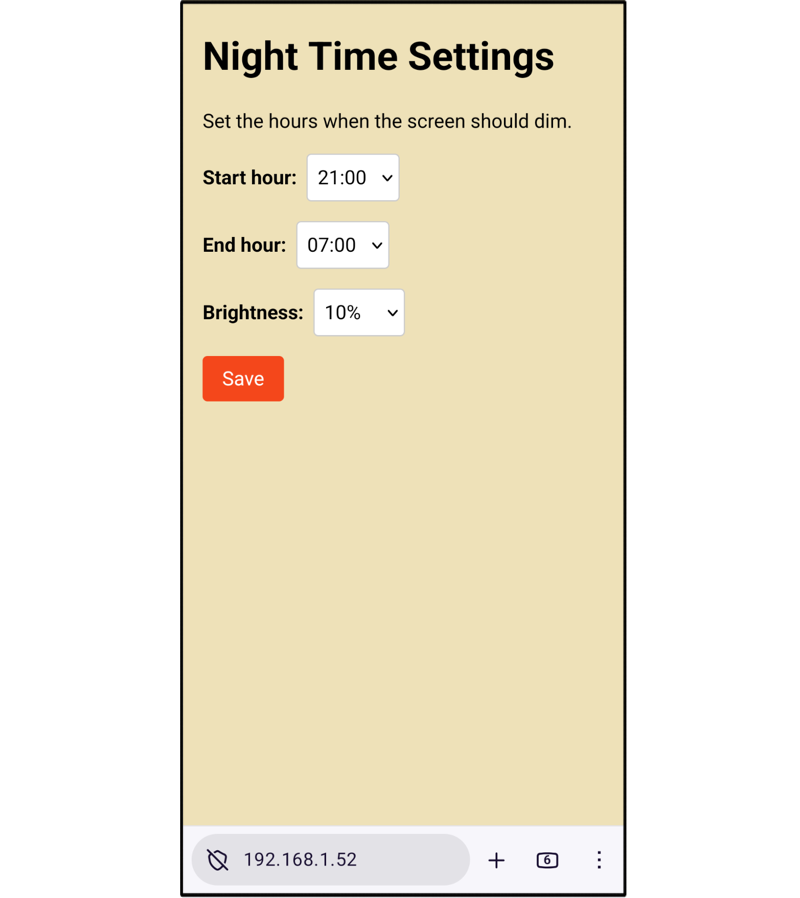
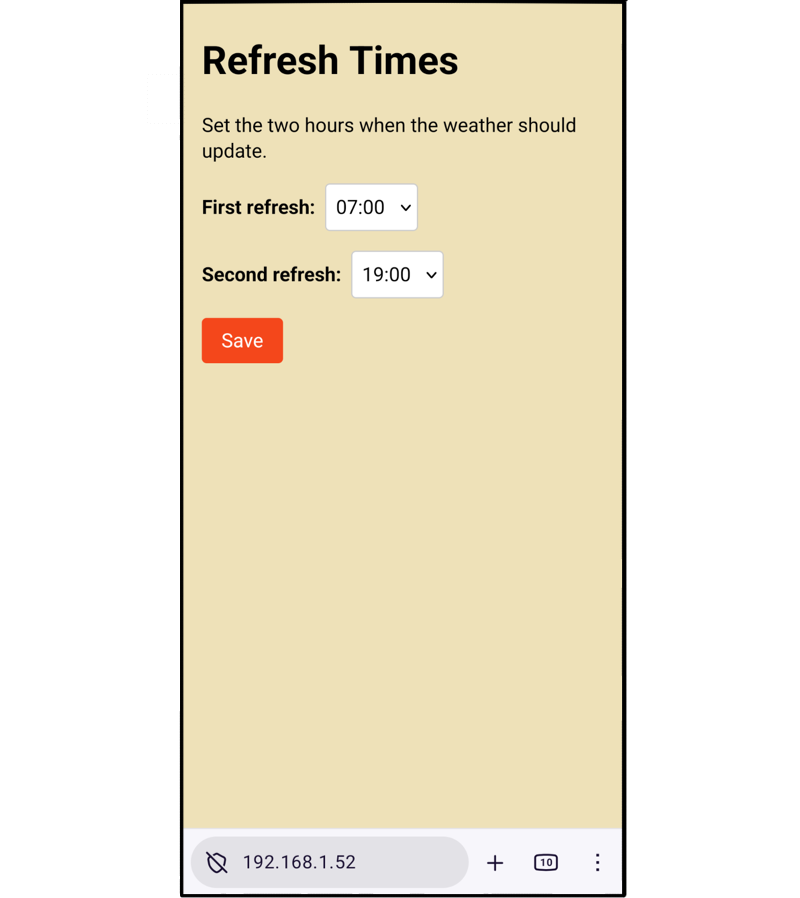
Refresh times setting changes when a new forecast is fetched, default
is at 7AM and 7PM, but you can change that as well.
And that's it, enjoy being offended!